Plane Crash Physics How to Crash on Purpose
Stage readable breakups, ragdoll chaos, and camera-friendly wrecks in the Roblox sandbox.
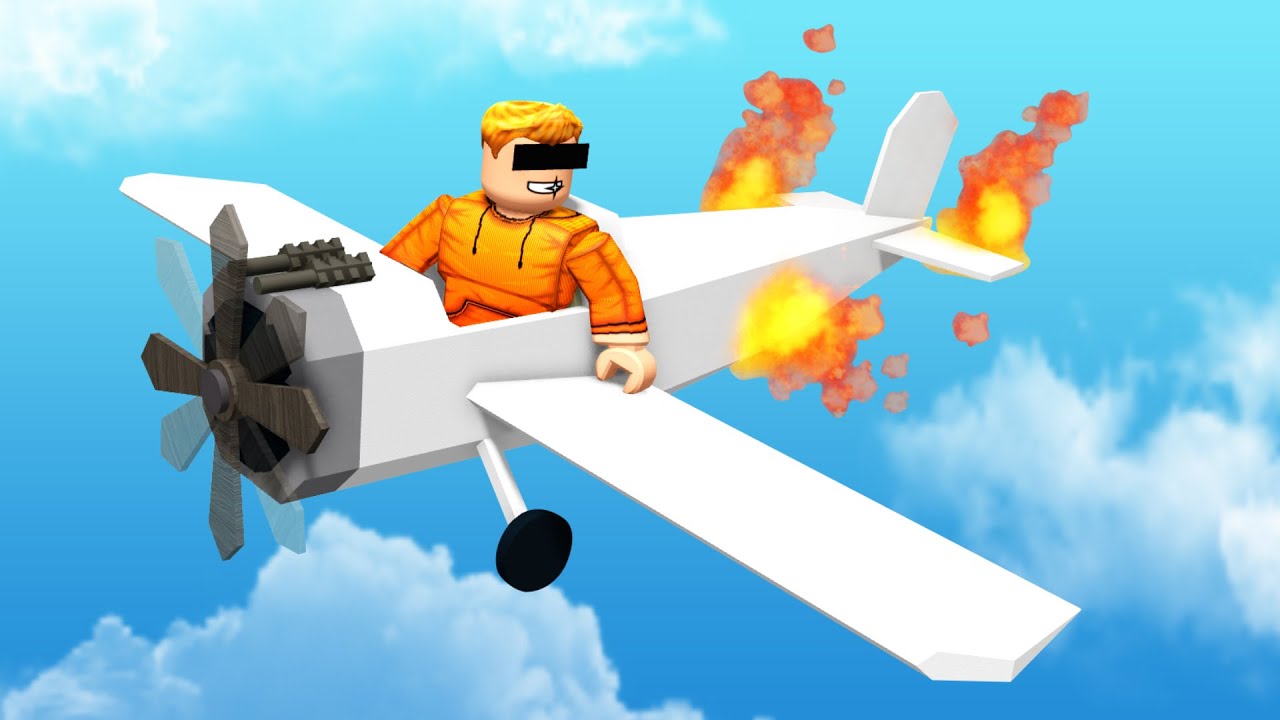
The fantasy of Plane Crash Physics is not surviving—it is watching the airplane come apart. This guide teaches intentional crash technique across the original place, Physics 2, and Physics X: impact angles, energy, surface choice, ragdoll moments, and camera orbits. Pair it with How to Fly so every wreck starts from a controlled setup.
What makes a good crash
A satisfying wreck has:
- Separation — wings, engines, or tail visibly leave the fuselage.
- Motion after impact — skidding, tumbling, or sinking instead of an instant freeze.
- Readable camera — you can tell what hit what.
- A story — engine-out spiral, runway overshoot, mountain impact, water ditch.
If the plane simply stops in a cloud of identical debris, reset and change angle or airframe. The Best Crash Planes list ranks ships that break in interesting ways.
Pre-crash checklist
- Confirm Controls so throttle and camera respond.
- Pick an airframe with a clear silhouette from the Aircraft Roster.
- Climb to a height that gives you a three-to-five second final dive.
- Point the camera wide before you commit.
- Choose a surface: terrain, water, runway, or structure (Physics X airports shine here).
Impact recipes
Belly terrain slam
Shallow dive, wings level, moderate speed. Great for watching the fuselage scrape and engines shear. Beginner friendly.
Nose-in high energy
Steeper dive with leftover throttle. Expect a punchier breakup and less skid. Use when you want instant chaos.
Cartwheel wing strike
Add roll in the last second so one wing hits first. Often throws the fuselage into a cartwheel that films well on PC.
Water ditch
Aim flat into water. Watch sinking pieces and floating debris. Works on maps with large oceans in the original and sequels.
Airport drama (Physics X)
Fly a fake stable approach, then shove into the terminal, tower, or parked traffic. Details in the Physics X guide.
Ragdoll and passenger chaos
Later updates across the series emphasize ragdoll crash reactions. To show them off:
- Prefer cabin-visible airliners over tiny fighters when you care about passenger flail.
- Hit hard enough to register a cabin impulse, then orbit the camera through the wreck instead of instantly respawning.
- On denser Physics X maps, leave a second or two for secondary collapses.
Camera workflow after impact
- Freeze your urge to respawn.
- Orbit once around the main fuselage.
- Push in on a separated engine or wing.
- Pull out for a wide establishing wreck shot.
- Then respawn and iterate.
Creators comparing Roblox crash games—including the video embedded here—reward wrecks you can visually parse. Muddy camera work wastes a perfect impact.
Surfaces and weather
- Daytime clear weather teaches faster because debris contrast is higher.
- Hills add tumbling.
- Flat runways emphasize slide distance.
- Cities or airports add props that react when you clip them.
If a map feels dark or foggy, switch experiences or wait for a brighter server seed. Track map chatter on Updates.
Advanced: failure-flavored setups
Some places and sequels let you feel engine loss or awkward handling before impact. Even without a formal failure menu, you can simulate stories:
- Cut throttle mid-climb and glide into trees.
- Enter a stall intentionally, then refuse recovery.
- Approach crooked so a wingtip hits the tower first.
Community scripts may unlock extra planes for variety; they do not replace angle and energy skill. Read Plane Spawner if you use those tools.
Practice ladder
- Ten belly slams in one airliner until separation looks consistent.
- Five cartwheel attempts.
- Five water ditches.
- Switch to an S-tier spectacle plane from the Tier List Hub and repeat your favorite recipe.
- On Physics X, add one airport overshoot per session.
Related pages
- Getting Started — series overview.
- How to Fly — energy and approaches.
- Aircraft Hub — what to spawn next.
- Codes — rare promo watchlist.
- Series History — how crash systems evolved from the original to X.
Crash on purpose, film the breakup, and iterate. That loop is the entire genre.
Frequently Asked Questions
Quick answers for pilots, crash testers, and new players.
How do I make the plane break into more pieces?
Increase impact energy, try a wing-first cartwheel, and pick airframes known for clean separation on the best-crash-planes tier list.
Why does my crash look boring?
Usually low speed, edge-on camera, or an airframe that crumples into a single blob. Change angle, height, and plane.
Should I respawn immediately after impact?
No. Orbit the wreck once to see ragdoll and debris motion, then respawn.
Is crashing allowed or against the rules?
Crashing is the core fantasy of this sandbox. Fly and wreck inside the experience as designed.
Which sequel has the best crash physics?
Physics X is the studio’s upgraded version with stronger ragdoll and airport setups, while the original remains a classic chaotic baseline.