Plane Crash Physics Guides & Walkthroughs
From first takeoff on the 2022 original to airports, Physics 2 vehicles, and ragdoll upgrades in X.
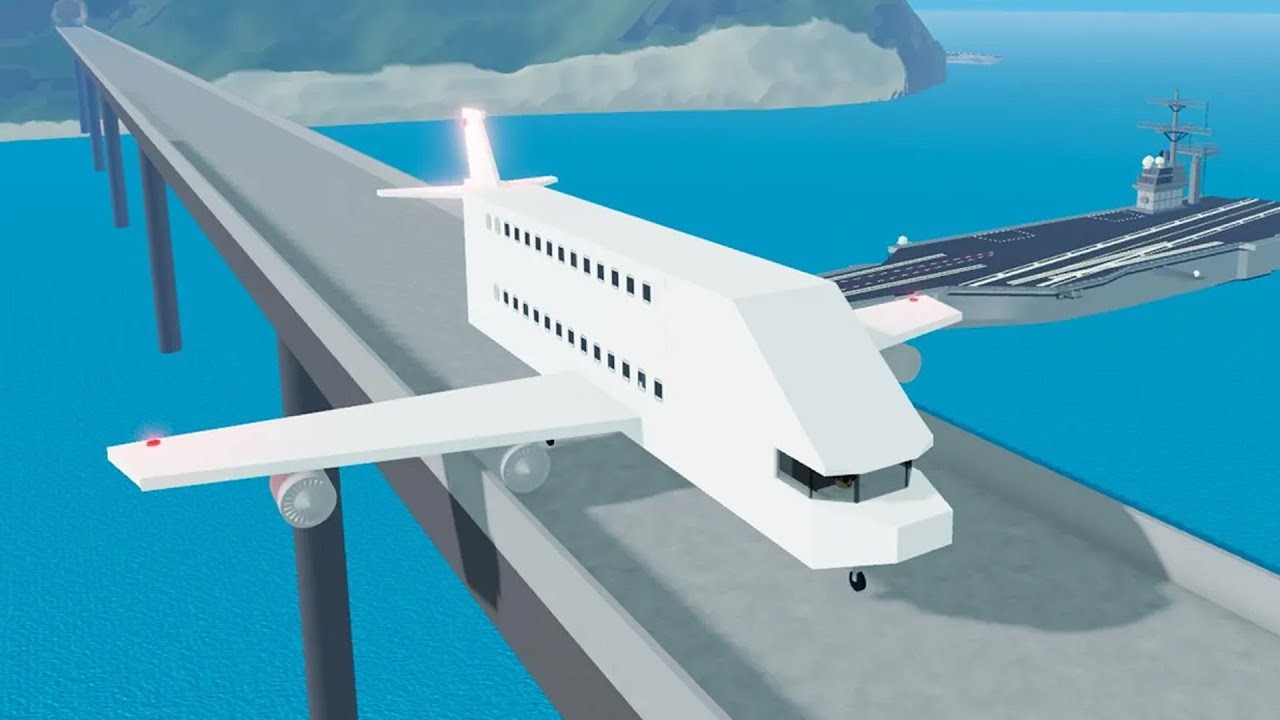
Welcome to the Guides Hub for Roblox Plane Crash Physics. This series by DudeWhoDoesJob and INGameWorks Studio is simple on the surface—spawn a plane, fly, crash—but the fun hides in sequel differences, control feel, and intentional wreck technique. Use the guides below instead of bouncing between three place pages and a dozen random videos.
Start here
New pilots should open Getting Started first. It explains the original May 2022 place (~31M visits, ~92k favorites, 40-player servers), when to switch to Plane crash physics 2, and when Plane crash physics X is worth the smaller 15-player servers for airports and denser aircraft lists. Day-one checklist, platform notes, and which sequel matches your mood all live there.
Core skill guides
- Controls — PC keybinds, mobile touch layout, and console mapping for pitch, roll, yaw, and throttle.
- How to Fly — climb, bank, stall recovery, and smooth approaches before you aim at the ground on purpose.
- How to Crash — altitude, impact angle, ragdoll comedy, and breakup reads that make wrecks look intentional.
- Ragdoll and Breakup — deep dive on wing/engine separation, cabin flail, and post-impact camera orbits.
Sequel and map guides
- Plane Crash Physics X — airports, denser planes, and upgraded ragdoll crash physics.
- Plane Crash Physics 2 — helicopters, blimps, cars, and when to pick 2 versus X or the original.
- Maps and Airports — terrain, water, and airport approach playbooks across the trilogy.
Read core skills first if you are brand new. Veterans can skip straight to crash technique, ragdoll literacy, or a sequel deep dive.
How these guides connect to the rest of the wiki
Flying knowledge pairs with the Aircraft Hub, Aircraft Roster, and Airliners vs Fighters so you know whether you are piloting an airliner, fighter, helicopter, blimp, or Physics 2 car. When you care about spectacle rankings, jump to the Tier List Hub and Best Crash Planes.
Promo codes are uncommon—check the Codes Hub and keep How to Redeem ready. Official place URLs sit on the Links Hub. Community unlock tools for Physics X sit under Scripts and Plane Spawner. Patch narrative and sequel timeline live on Updates and Series History.
What “good” looks like in this genre
Plane Crash Physics is not a career airline sim. Success means you understand enough flight feel to stage the wreck you want. Soft landing into a hangar wall, high-speed nose plant into a terminal, helicopter hover-drop onto a taxiway, blimp pancake, car launched off a ramp—each fantasy needs slightly different inputs. The guides teach those inputs without pretending every sequel shares identical physics.
Tips for using this hub
- Skim Getting Started even if you have hours in the original—sequel choice still matters.
- Keep Controls open on a second monitor the first time you swap from PC to mobile.
- After you can hold a climb, practice one intentional crash recipe from How to Crash, then study Ragdoll and Breakup.
- Move to Physics X for airports or Physics 2 for vehicle variety; use Maps and Airports for staging.
- Revisit guides after studio updates; ragdoll and airport systems have changed across the series.
Every guide aims for practical steps, internal links, and FAQs you can share with friends in a server. Pick a page and start climbing.
Frequently Asked Questions
Quick answers for pilots, crash testers, and new players.
Which guide should absolute beginners open first?
Start with Getting Started, then Controls and How to Fly.
Is there a guide just for Physics X?
Yes—see the dedicated Plane Crash Physics X walkthrough for airports, maps, and ragdoll upgrades.
Is there a guide just for Physics 2?
Yes—open Plane Crash Physics 2 for helicopters, blimps, cars, and sequel-choice advice.
Where do I learn intentional crash techniques?
Open How to Crash, then deepen with Ragdoll and Breakup and the Best Crash Planes tier list.
Do the guides cover codes and scripts?
How long is each guide?
Leaf guides are written as full walkthroughs (600+ words) with FAQs so you can learn without tab-hopping random videos.